

Sledding Physics

Entry posted by jrv12
3,738 views
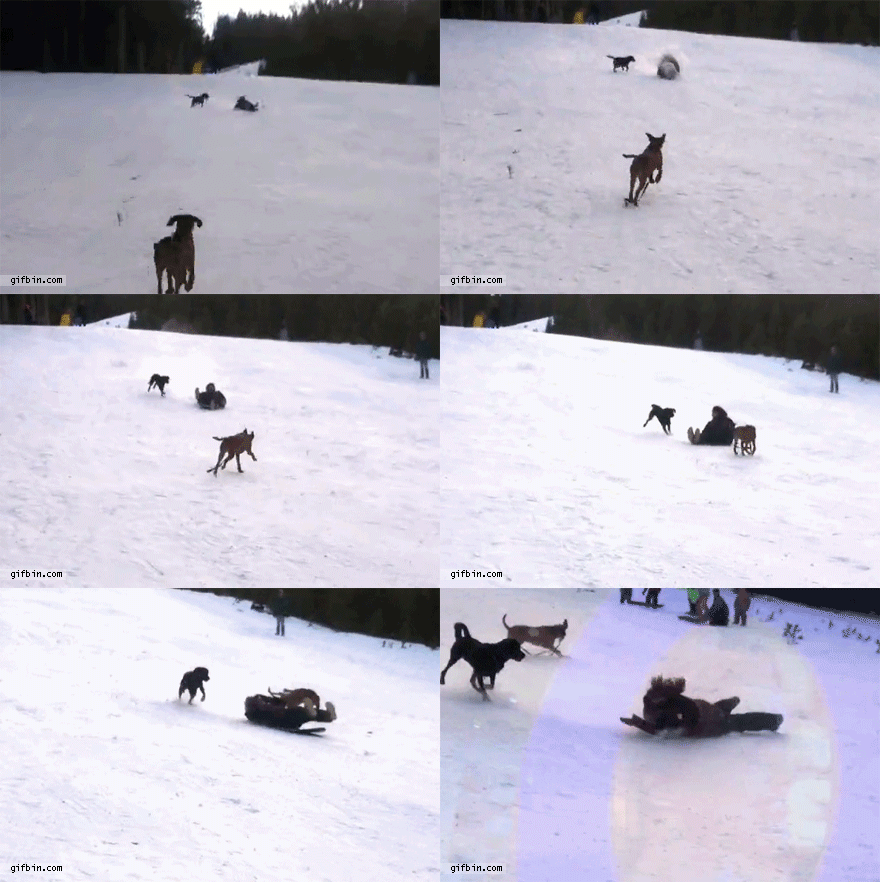
One of my favorite winter activities: SLEDDING! (although not the walking back up part). My house is backed up to the woods and a big hill, so when I was younger we would always go sledding (and try to dodge the trees), and make jumps to go off of on the way down.
At the top of the hill, you have the most potential energy because you are at the greatest height. At the bottom of the hill, you have the most kinetic energy because you are moving the fastest and all the potential energy has turned into kinetic. Sledding only works when there is snow on the ground, if you try to go sledding on a grassy hill it won’t be as fun because snow helps to eliminate friction. Snow has a lower coefficient of friction than grass, so the force of friction will be smaller, and you will go down the hill faster. The normal force and gravity are the main forces during sledding, so the more you weigh, the greater the force will be and the faster you will sled down the hill. Also, the steeper the hill, the faster you will sled because with a greater angle there is a greater force. Sledding is much more fun when you’re going fast, so if you like having fun and moving fast, sled on snow or ice, increase your weight, and find a steep hill to go down!
0 Comments
Recommended Comments
There are no comments to display.