

Physics in Passengers: Rotating Spaceship

Entry posted by jrv12
1,388 views
This past week, I finally was able to watch the movie Passengers starring Jennifer Lawrence and Chris Pratt. As I was watching, I couldn’t help but notice all of the physics involved. *If you are planning on ever watching this movie, continue reading at your own risk, spoilers may be included.*
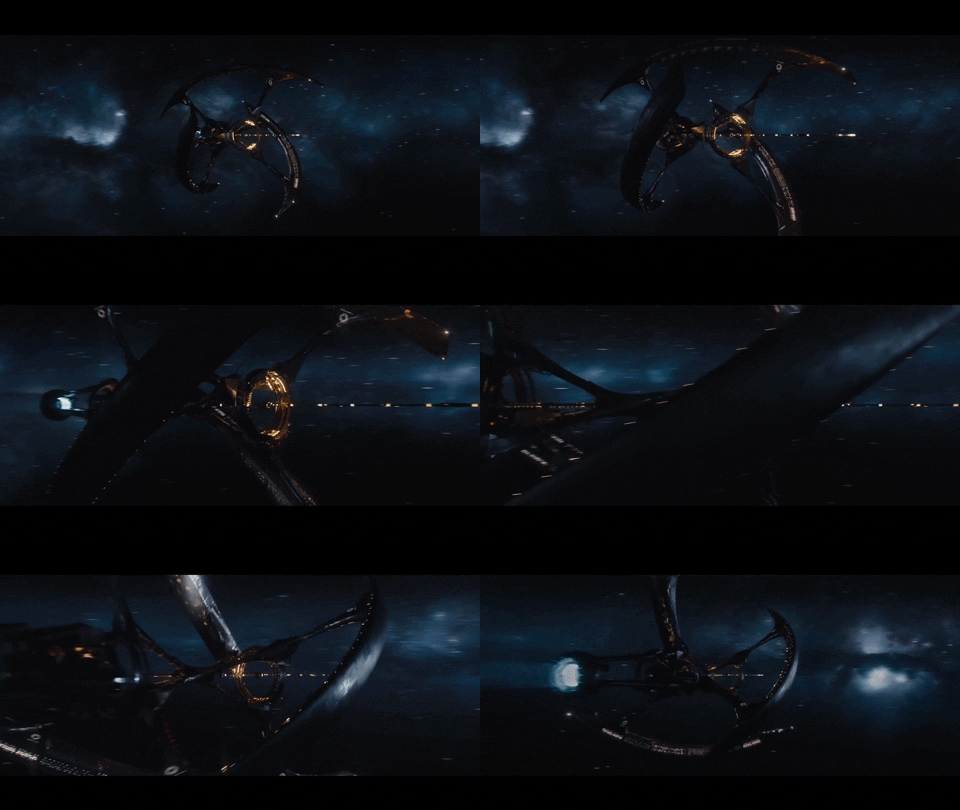
The story takes place in the future, where two of the characters wake up 90 years early from hibernation on an interstellar spaceship. The spaceship the characters are on creates artificial gravity by rotating. The way the gravity is created is the centripetal force from the rotating spaceship. The gravity felt is from the normal force produced, and Newton’s second law states that the gravity created is equal to the centripetal acceleration. The centripetal acceleration is equal to velocity2 / radius. So, a higher centripetal acceleration is created by using a greater velocity or a smaller radius.The Coriolis effect is another way the gravity is felt, which gives an apparent force acting at a right angle to the motion and the rotation axis, creating the effect of gravity. At certain times during the movie, the artificial gravity disappears when the power on the spaceship malfunctions. When there is no power to rotate the spaceship, there is no gravity felt on the spaceship.
0 Comments
Recommended Comments
There are no comments to display.