

Skip to content
View in the app

A better way to browse. Learn more.

APlusPhysics Community

A full-screen app on your home screen with push notifications, badges and more.

To install this app on iOS and iPadOS
  1. Tap the Share icon in Safari
  2. Scroll the menu and tap Add to Home Screen.
  3. Tap Add in the top-right corner.
To install this app on Android
  1. Tap the 3-dot menu (⋮) in the top-right corner of the browser.
  2. Tap Add to Home screen or Install app.
  3. Confirm by tapping Install.

Why do Bananas Have a Curve?

(0 reviews)

As many of you know, the banana is my favorite fruit. An apple banana* a day keeps the doctor away!

Bananas start off by being very short and straight:
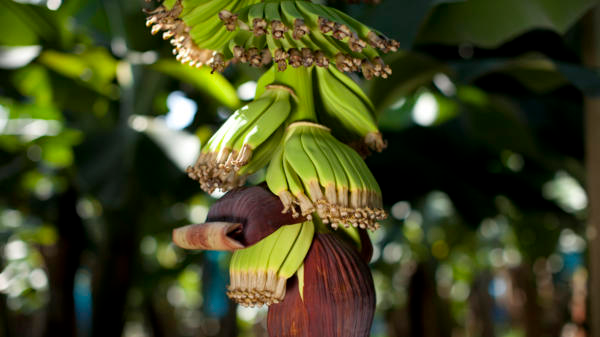
image.png.d54f7e599e7ff20b663c243c2dbef734.png

As time goes on, however, they begin to curve upwards...
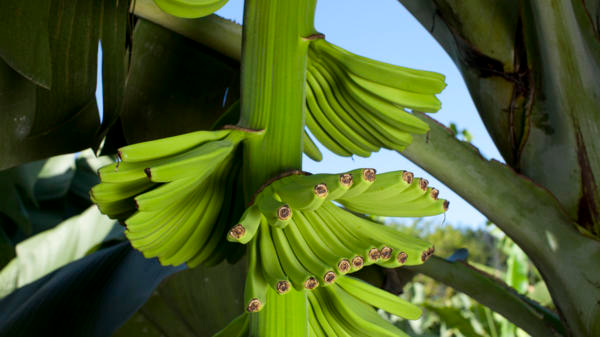
image.png.4e5fb434fb586ab89461df9e0fc1a4ac.png

Due to a process known as negative geotropism, which means that the bananas grow away from the force of gravity!
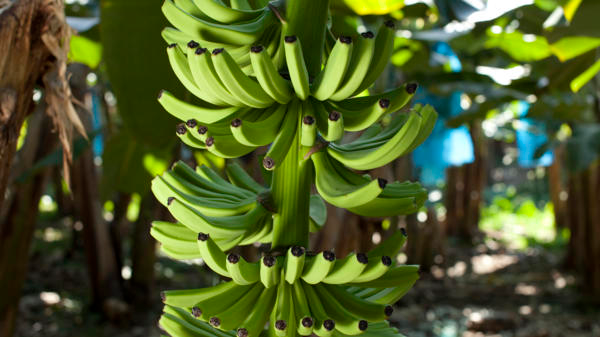
image.png.800b1967e97e9e891fdfa0034f87d5f8.png

They do this because in the forests, if they started to grow sideways towards the light that penetrates through the trees and plants above them, they would topple over. So bananas figured out that if they grew up towards the light instead of sideways, their plant would not topple over, and they would all be safe.

Thank you for existing, bananas.
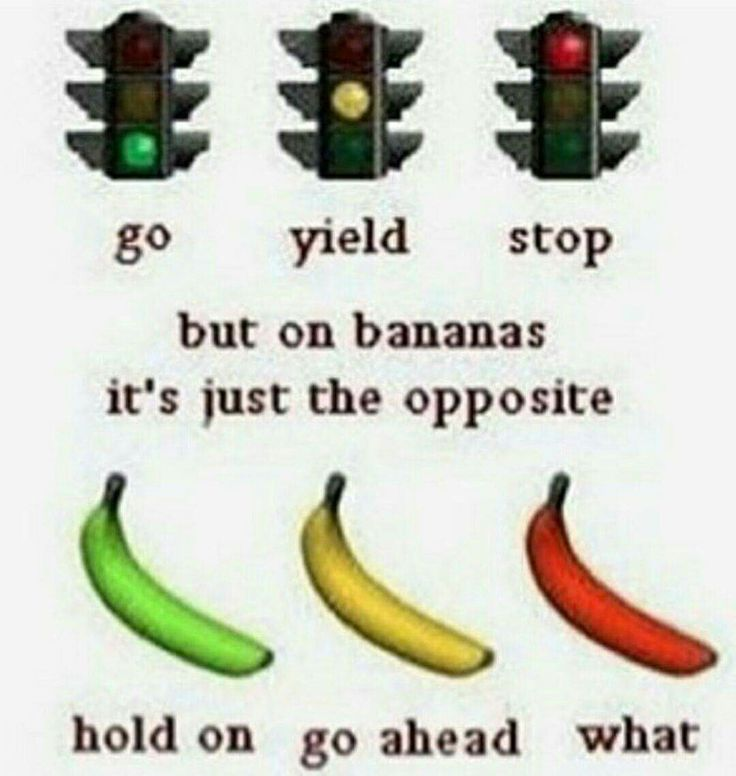
image.thumb.png.fac5510afeb5e275b94c2d05f1af624c.png

3 Comments

Recommended Comments

Just got an really informative answer to a question I don't think I ever would have asked in my lifetime. Really good job!

MyloXyloto

Members

It's amazing that I never would have thought about this... but now I know!

TheNightKing

Members

Survival of the fittest- banana version. Love me some bananas! 

Guest
Add a comment...

Account

Navigation

Search

Search

Configure browser push notifications

Chrome (Android)
  1. Tap the lock icon next to the address bar.
  2. Tap Permissions → Notifications.
  3. Adjust your preference.
Chrome (Desktop)
  1. Click the padlock icon in the address bar.
  2. Select Site settings.
  3. Find Notifications and adjust your preference.