


Entry posted by pavelow
794 views
There are two often used ways of avoiding RADAR (RAdio Detection And Ranging): Stealth and Jamming.
This blog post will cover stealth.
Radar can be rendered useless or less useful if the radio waves sent out by radio towers never return to the towers themselves. Airplanes today are equipped with more than one way to hide from radar.
One way planes can avoid sending radio waves back to towers is by only allowing radio waves to reflect at one angle.
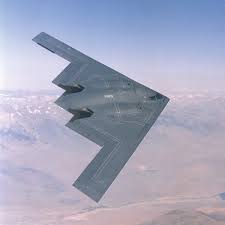
The B2 bomber, as shown in the picture, was engineered to be as flat as possible, this causes radar waves to bounce off the plane as if it were a flat surface, and the waves never return to the tower they came from.
Another way planes avoid sending radio waves back to towers is by using a stealth coating.
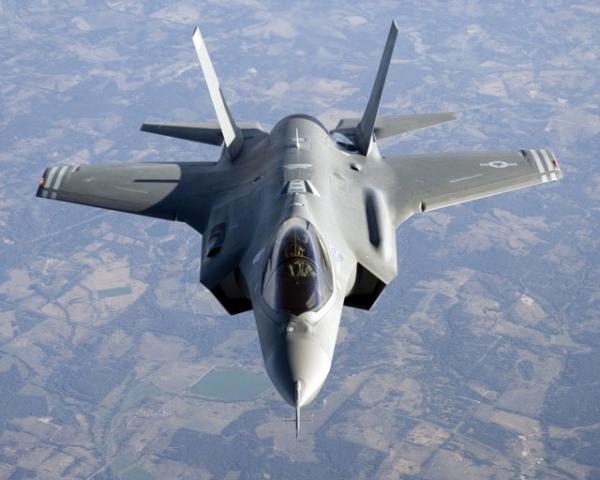
Special versions of the F35 fighter jet are painted with a special stealth paint. When radio waves hit the surface of one of these planes, the paint traps the waves and absorbs a large amount of the energy from them. As a result, if radio waves do make it back to the tower of origin, they make it harder for the tower to distinguish the plane from something natural, like a bird, or even the environment itself.
0 Comments
Recommended Comments
There are no comments to display.