

Jacob's Ladders Are Cool

Entry posted by Qwayway
1,460 views
Electricity is cool. Electricity travelling through air is cooler. Well, it looks cooler at least. It's actually really hot.
Jacob's Ladders are neat little devices that send a roughly-horizontal electrical arc travelling upward between two electrodes.
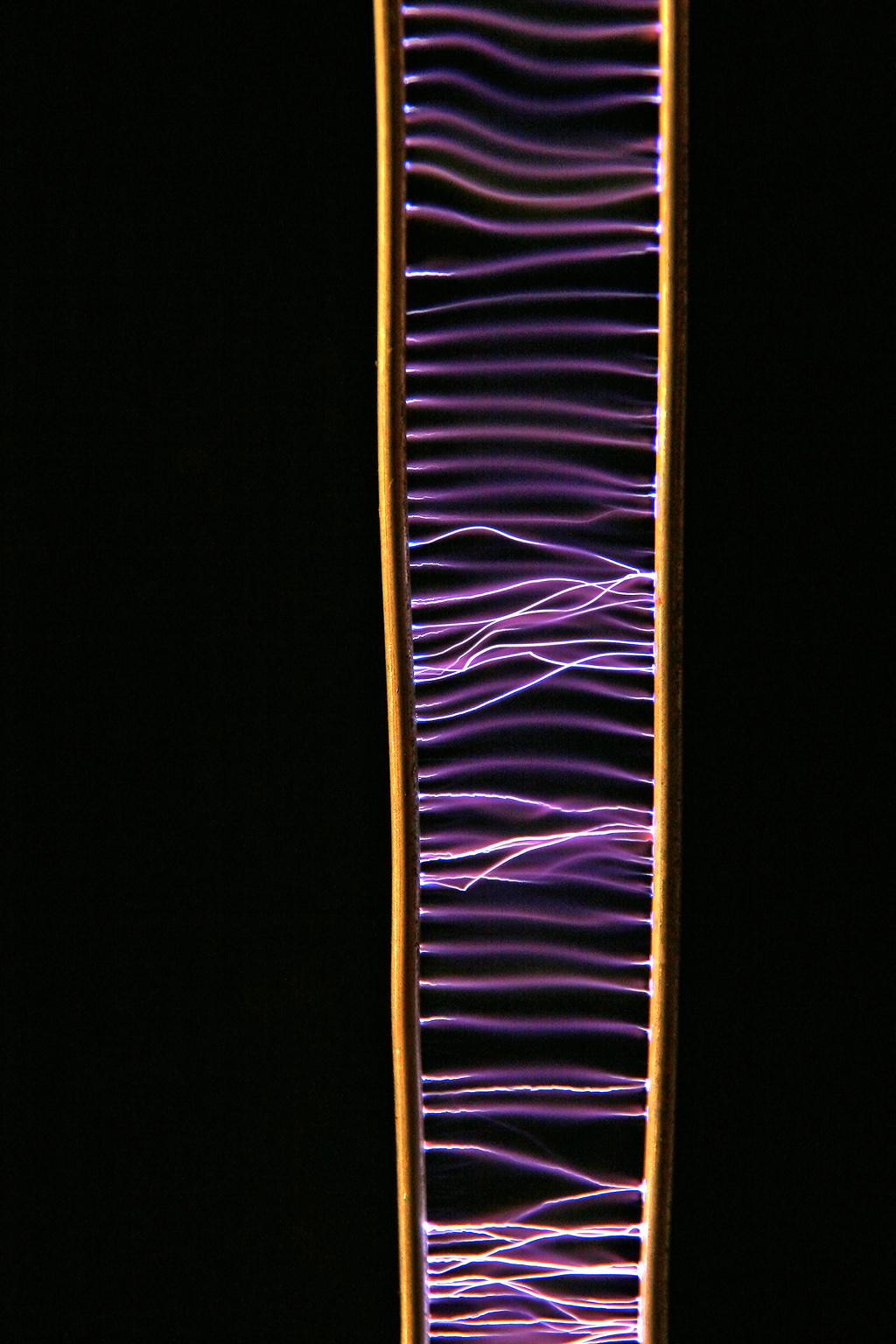
Source: https://en.wikipedia.org/wiki/Spark_gap#Visual_entertainment
This is a long exposure picture of a Jacob's Ladder - there's actually only one arc at any given time.
The mechanism behind the ladder effect is actually pretty simple. When the arc initially forms, it heats the air up quite a bit, as is evident from the glow it produces. This hot air has more energy, so it expands, which decreases its density relative to the air around it. Since it's less dense, it experiences a buoyant force upward, and since the electrons can more freely travel through already-ionized air, the arc follows the hot air upwards. Once the arc reaches a length at which it can't keep the air hot enough to remain ionized, the arc breaks apart and the path of least resistance returns to being the very base of the ladder, so the process repeats.
0 Comments
Recommended Comments
There are no comments to display.