
Skip to content
View in the app

A better way to browse. Learn more.

APlusPhysics Community

A full-screen app on your home screen with push notifications, badges and more.

To install this app on iOS and iPadOS
  1. Tap the Share icon in Safari
  2. Scroll the menu and tap Add to Home Screen.
  3. Tap Add in the top-right corner.
To install this app on Android
  1. Tap the 3-dot menu (⋮) in the top-right corner of the browser.
  2. Tap Add to Home screen or Install app.
  3. Confirm by tapping Install.
  • Entries

    3
  • Comments

    0
  • Views

    3177

About this blog

A fun new blog on the A Plus Physics website that will test if anybody actually uses the site anymore! Tune in every Monday to read my stimulating thoughts such as “Is Resident Evil 6 truly a Resident Evil game, or just a really really bad impersonation of one?”

Entries in this blog

Hello all, you’re in for a treat with the first blog post in

*checks notes*

FIVE YEARS?

Well, I suppose this will be relevant enough. I’ve discovered the site through my physics regents review book, and the big day is soon upon me: tomorrow, in fact, is my Physics regents. I hope I do well! I realize it isn’t a Monday, but I felt inclined to share.

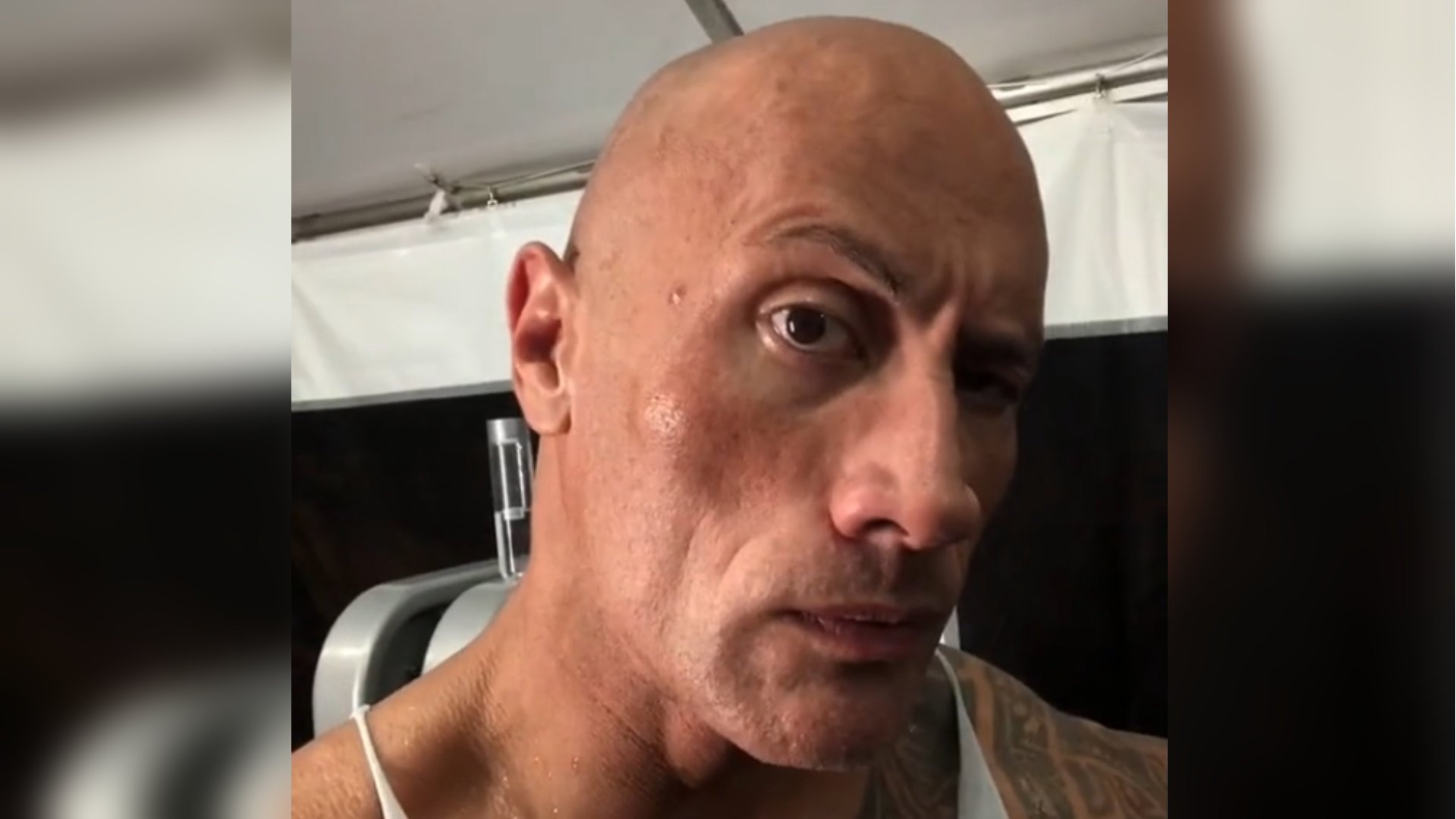
have a great day to you all, and enjoy this meme.

27C7ED64-DE40-4FE9-976E-A1A469199852.gif

Account

Navigation

Search

Search

Configure browser push notifications

Chrome (Android)
  1. Tap the lock icon next to the address bar.
  2. Tap Permissions → Notifications.
  3. Adjust your preference.
Chrome (Desktop)
  1. Click the padlock icon in the address bar.
  2. Select Site settings.
  3. Find Notifications and adjust your preference.