

Ball Bearings

Entry posted by etracey99
1,927 views
Some common sense physics is that in most cases, things roll better than they slide. For example, roller blades work a lot better on asphalt than a pair of snow skis do. This is because there is a lot of friction created with sliding, but when something can roll over the ground, the friction is greatly reduced.
A ball bearing is a device that 'bears' a load and rolls over smoothly. This is done by having round objects enclosed in a smooth inner and outer shell.
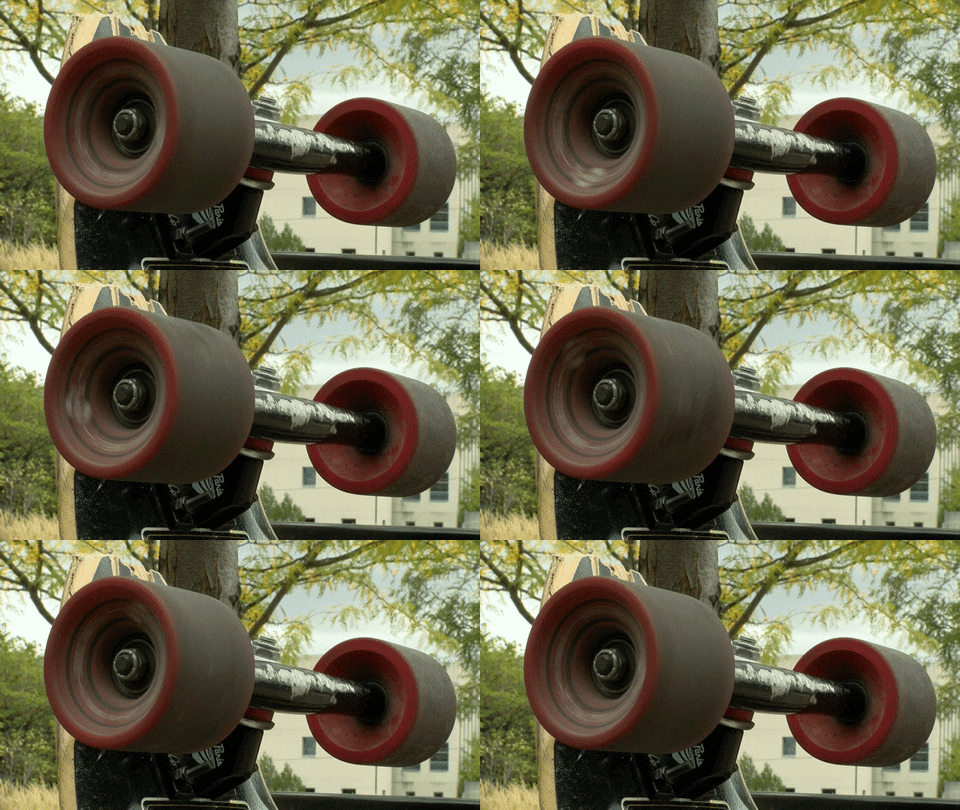
There are several types of bearings in existence, but let us discuss ball bearings since they are the most common type of bearing and we have all most likely experienced. Ball bearings are best known for being in skateboards, longboards, roller blades and even bikes. The round objects that ball bearings use are, (you guessed it) balls! This is cool since the balls only touch the inside and outer smooth shells a very small amount. This creates a very small amount of friction, which results in wheels that can spin a very long time! Often times, longboarders search for the best and most efficient ball bearings so their rides are smooth and do not require a lot of pushing.
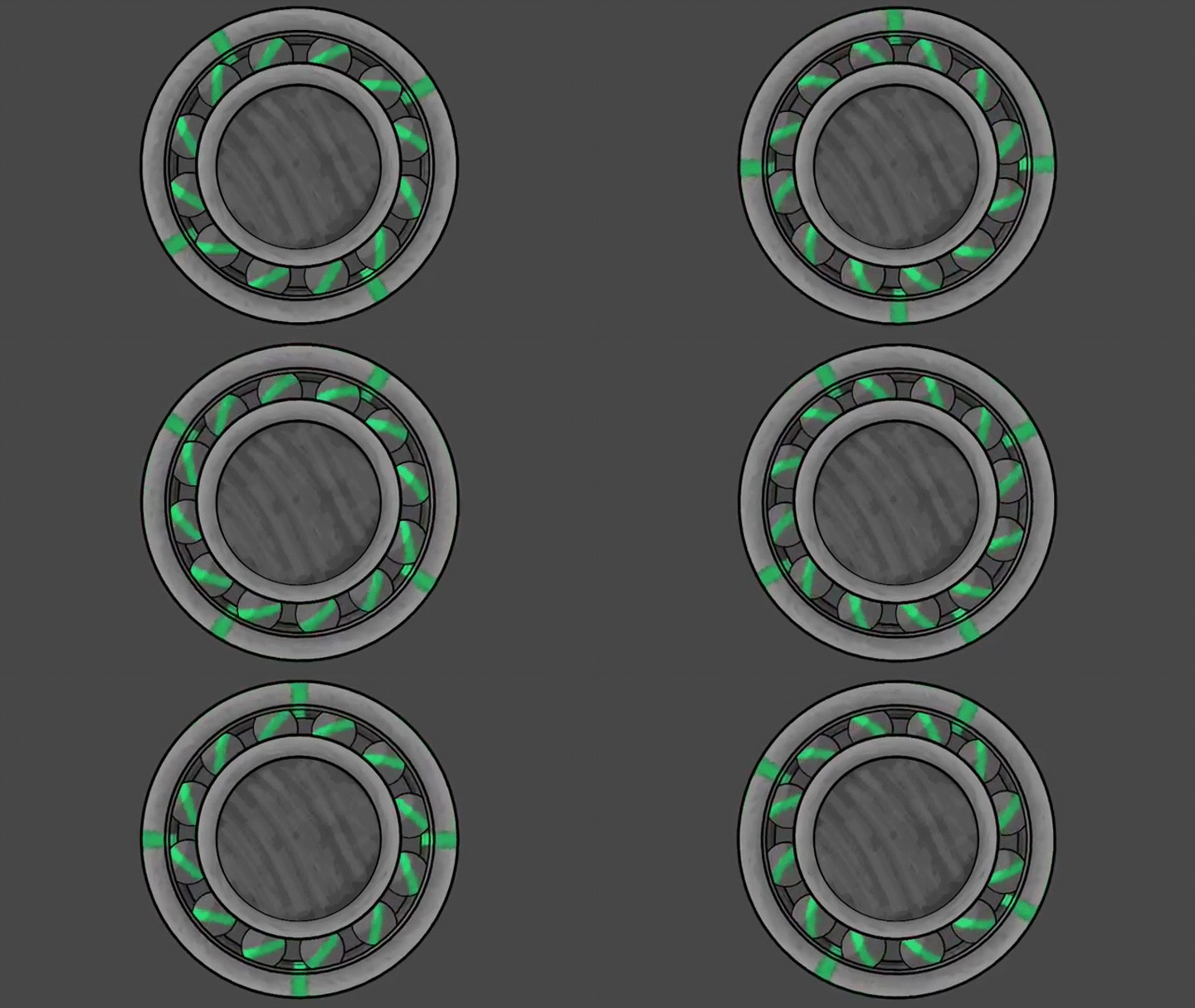
Here is a diagram of a ball bearing:

A little animation of a ball bearing, see how the balls rotate and let the outer shell move:
0 Comments
Recommended Comments
There are no comments to display.