

Static Electricity!

Entry posted by hollyferg
7,004 views
Weird things can happen in balloons. They're affected a lot by static electricity. This is why it will stick to a wall or your clothes after it has been rubbed against something else, like your hair. This happens because of the charge of the balloon and whatever you're trying to stick it to. Something that is charged negatively will stick to something that is positively charged. If you rub a balloon against your head, it becomes negatively charged because it gains electrons from your hair.
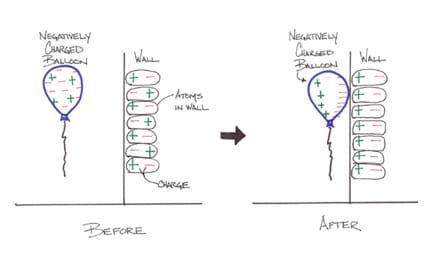
This picture shows what happens when you put a charged balloon on a wall. The balloon is negatively charged. When the balloon comes in contact with the wall, the wall and the balloon both become polarized. The negative particles in the balloon are attracted to the positive particles in the wall, and also push the negative ones in the wall away, so they stick and the balloon appears to be floating all by itself.
Another thing that can happen is that two balloons can repel each other. If two different balloons are rubbed against your hair or clothes or anything else that loses electrons, they will both become negatively charged by gaining electrons. If they are brought near each other, they will want to repel.
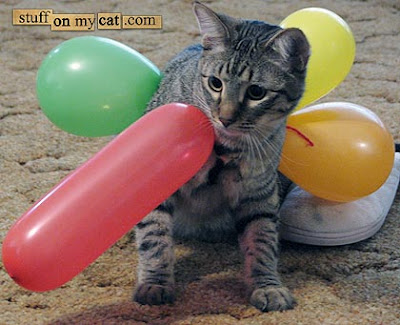
But it my opinion, it is more fun to see balloons stick to things. Like this cat.
2 Comments
Recommended Comments