

Physics Followed Me to London!

Entry posted by MyloXyloto
1,202 views
This spring break, I traveled to London with some other students. Over the week, I took tons of beautiful pictures of the city and surrounding area. However, that's not what I'm going to share with you. Sorry. (Not really)
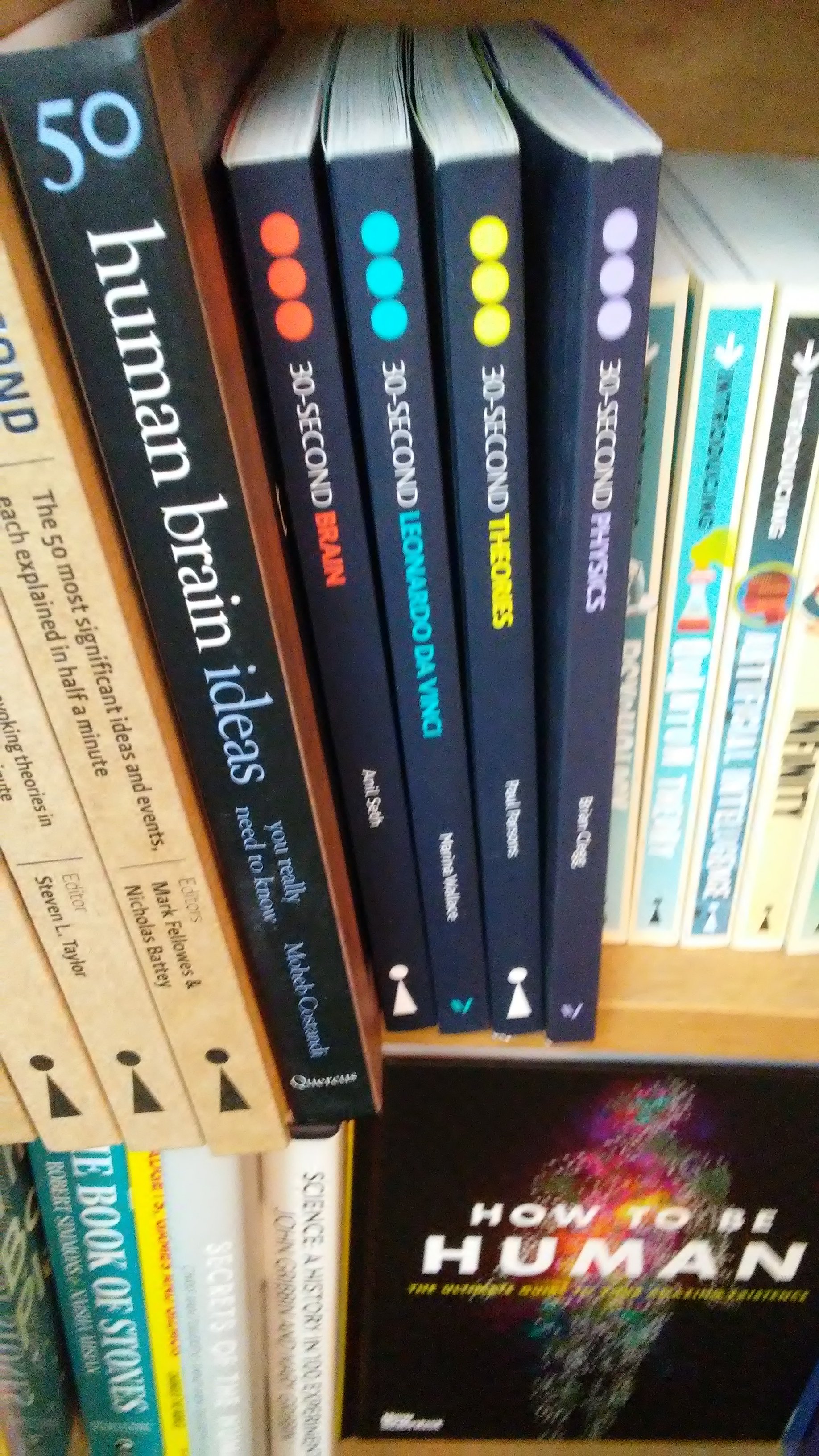
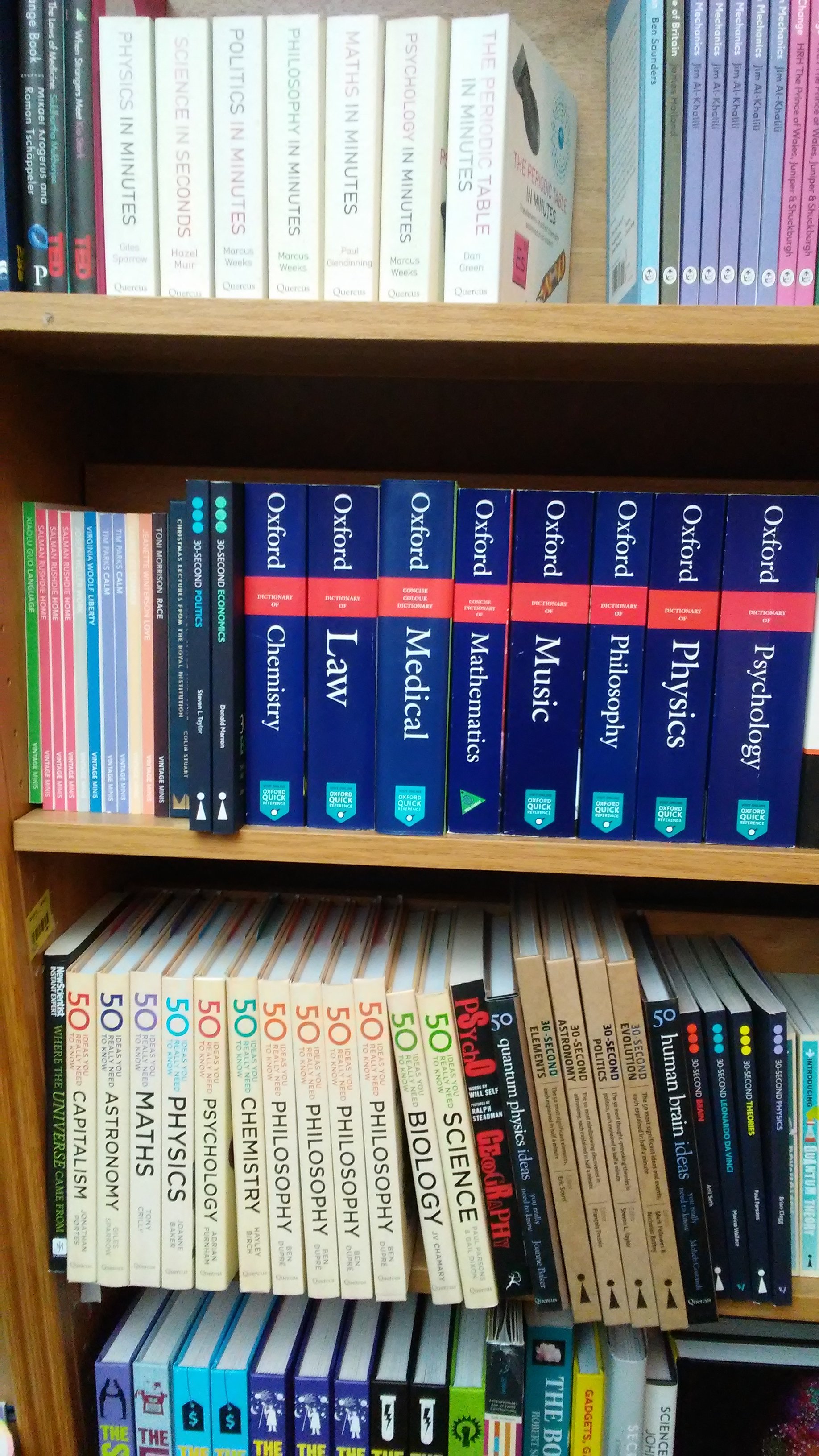
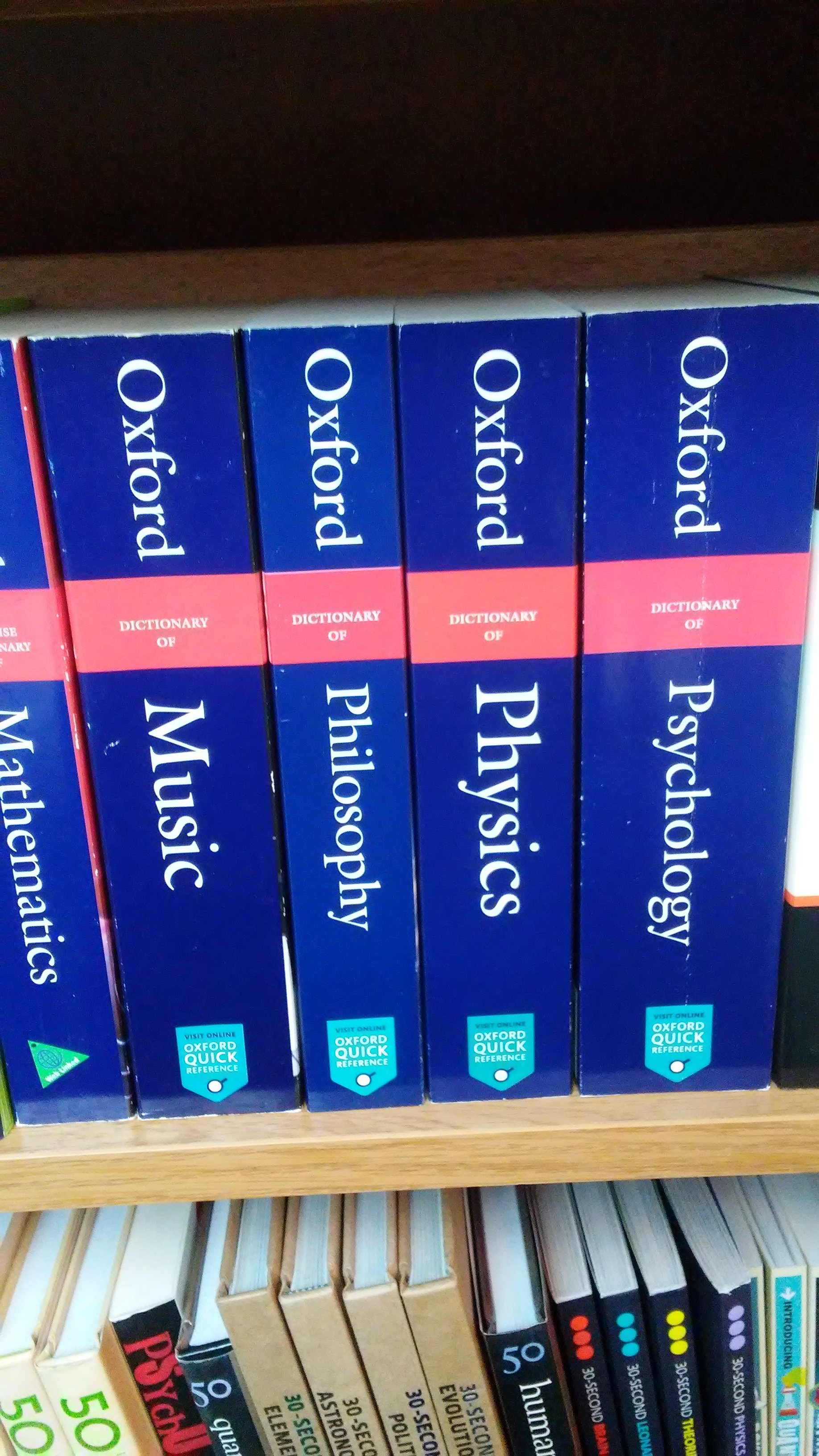
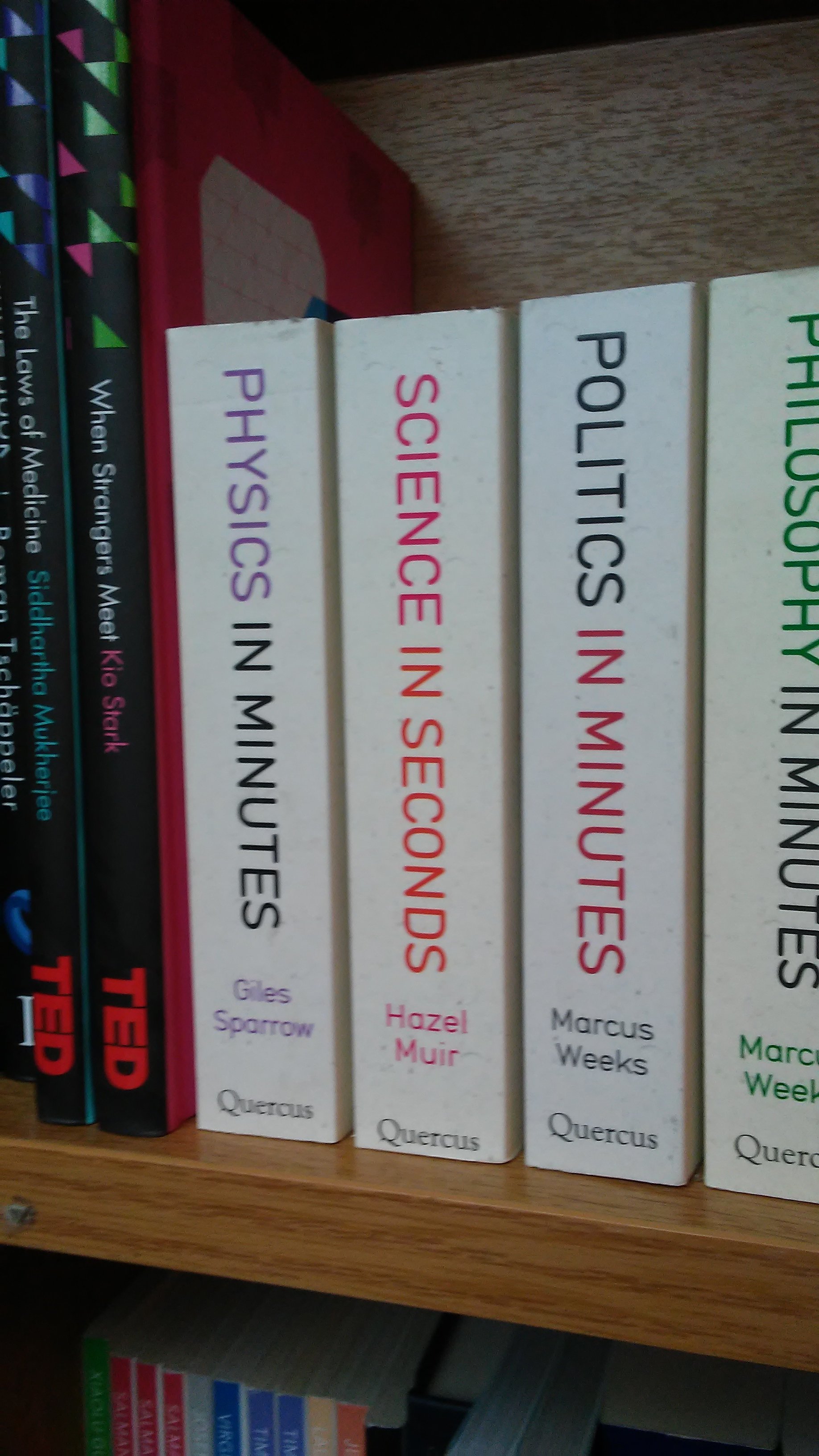
Here's a story instead. I went into a bookstore with a few of my friends while visiting Windsor. I was looking for something specific, and once I found it, I wandered around the store waiting for the others to finish up. I should have known that I couldn't even escape physics while on vacation in another country. I looked at this one shelf of books, and a bunch of them were physics books! No, I did not buy any of them. However, sometimes I do feel like reading something like this would not be a bad idea. I felt like it was a sign like "hey Erika! It's physics, remember me? Yeah you still need to finish your blog posts, so you should probably do that soon. K bye."

1 Comment
Recommended Comments